How to Update Aadhaar Card Online Step by Step in 2026

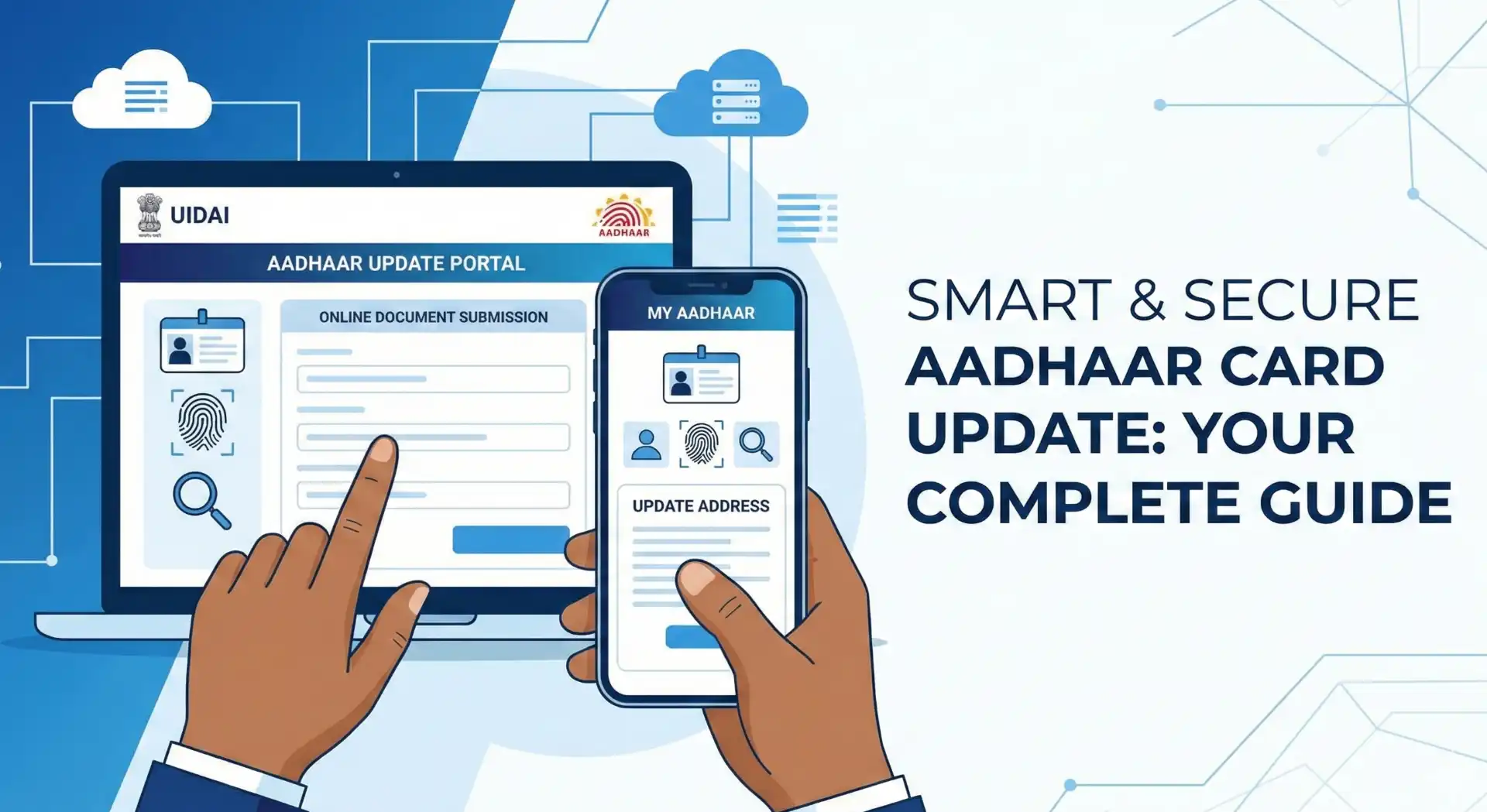
Keeping your Aadhaar details updated is no longer optional—it’s essential. A small mismatch in your name, address, or date of birth can lead to failed KYC, rejected bank services, or issues while applying for government schemes. The good news is that in 2026, the Aadhaar update process is simpler, faster, and mostly online. In this guide, I’ll walk you through how to update your Aadhaar card online step by step, explain which details can be changed from home, and help you avoid common mistakes that cause rejections.
Why You Should Update Aadhaar Details Regularly
Aadhaar is linked with banks, PAN, mobile numbers, subsidies, and many government services. If your details are outdated, you may face:
- Bank account KYC failure
- Issues in PAN–Aadhaar linking
- Problems while applying for jobs, loans, or government schemes
- Delays in DBT (Direct Benefit Transfer)
Updating Aadhaar on time ensures smooth access to services and prevents last-minute stress.
What Details Can Be Updated Online in Aadhaar (2026)
Before starting, it’s important to know what can and cannot be updated online.
Details You Can Update Online
- Address (full or partial)
- Proof of Address document (upload-based)
Details That Require Visit to Aadhaar Centre
- Name (major changes)
- Date of Birth (beyond allowed limits)
- Gender
- Mobile number
- Biometric data (photo, fingerprint, iris)
For most users, address update is the most common and fully online process.
Documents Required for Aadhaar Update
You’ll need one valid Proof of Address (PoA) document. Commonly accepted documents include:
- Bank passbook or statement
- Electricity / Water / Gas bill
- Ration card
- Passport
- Voter ID
- Driving licence
Make sure the document is clear, readable, and matches the address you want to update.
Step-by-Step: How to Update Aadhaar Card Online in 2026
Step 1: Visit the Official UIDAI Portal
Go to the Self Service Update Portal on the official website of UIDAI.
Step 2: Login with Aadhaar Number
Enter your 12-digit Aadhaar number and captcha.
Verify using the OTP sent to your registered mobile number.
Step 3: Select “Update Address”
Choose the option to update address online.
Step 4: Enter New Address Carefully
Fill in the new address exactly as it appears on your supporting document.
Avoid spelling mistakes or abbreviations.
Step 5: Upload Address Proof
Upload a scanned copy or clear photo (PDF/JPG/PNG).
File size and format must meet UIDAI guidelines.
Step 6: Review and Submit
Double-check all details before submission.
Once submitted, note down the Update Request Number (URN).
Step 7: Track Aadhaar Update Status
Use the URN to track status online.
Most updates are processed within 7–15 working days.
Fees for Aadhaar Update in 2026
- Online address update: ₹50
- Payment is done digitally during submission.
Always pay only through the official UIDAI portal.
How to Check Aadhaar Update Status Online
You can track your update status anytime using the URN.
If you manage multiple documents or digital records, tools like document organizers and text utilities on Toolszu can help you keep copies properly named and accessible.
Common Reasons Aadhaar Update Gets Rejected
- Blurry or unreadable document upload
- Address mismatch between form and document
- Unsupported document type
- Incorrect language or spelling errors
Before uploading, you can verify document clarity using basic file tools or preview utilities available on Toolszu to avoid rejection.
Download Updated Aadhaar After Approval
Once approved, you can download the updated e-Aadhaar (PDF).
If you need to extract or secure the PDF, Toolszu offers simple PDF utility tools that can help with viewing or organizing files for personal use.
For official reference and rules, always rely on UIDAI’s official resources:
- UIDAI Official Website (authority source)
FAQs: Aadhaar Update Online (2026)
1. Can I update Aadhaar address online without documents?
No. A valid Proof of Address document is mandatory for online address updates.
2. How long does Aadhaar update take in 2026?
Usually 7–15 working days, but it may vary depending on verification.
3. Is mobile number required for online Aadhaar update?
Yes. OTP verification requires an active mobile number linked with Aadhaar.
4. Can I update Aadhaar address multiple times?
Yes. There is no strict limit, but frequent changes may be flagged for verification.
5. Is the e-Aadhaar downloaded online valid everywhere?
Yes. e-Aadhaar is legally valid and accepted across India.
Conclusion: Keep Your Aadhaar Updated, Stay Stress-Free
Updating your Aadhaar online in 2026 is straightforward if you follow the correct steps and upload valid documents. A few minutes of care today can save you from service disruptions tomorrow. After updating, keep your digital records organized and accessible—using reliable online utilities can make this much easier.
If you found this guide helpful, explore more practical digital tools on Toolszu to simplify everyday online tasks and documentation.