Aadhaar Card Mobile Number Update Process in 2026

Updating your mobile number in Aadhaar is essential in 2026. Almost every government service, bank verification, and OTP-based authentication depends on your registered number. If your number is lost, changed, or inactive, you may face login issues, failed OTP verification, or service delays.
The good news? Updating your Aadhaar mobile number is simple — but it must be done correctly. In this guide, I’ll explain the complete step-by-step Aadhaar mobile number update process, required documents, fees, and important tips to avoid rejection.
Why Updating Your Aadhaar Mobile Number Is Important
Your Aadhaar-linked mobile number is used for:
- OTP verification for PAN, banking, and DigiLocker
- Online Aadhaar services (download, update, eKYC)
- Government schemes and subsidy verification
- Income tax filing and KYC processes
If your old number is inactive, you won’t receive OTPs. That means you cannot access many essential services.
According to the official website of the Unique Identification Authority of India (UIDAI), mobile number updates require biometric verification at an authorized centre. Online self-update is not allowed for mobile numbers.
You can verify the latest official process here:
https://uidai.gov.in
Can You Update Aadhaar Mobile Number Online in 2026?
Short Answer: No.
As of 2026, Aadhaar mobile number update cannot be done fully online.
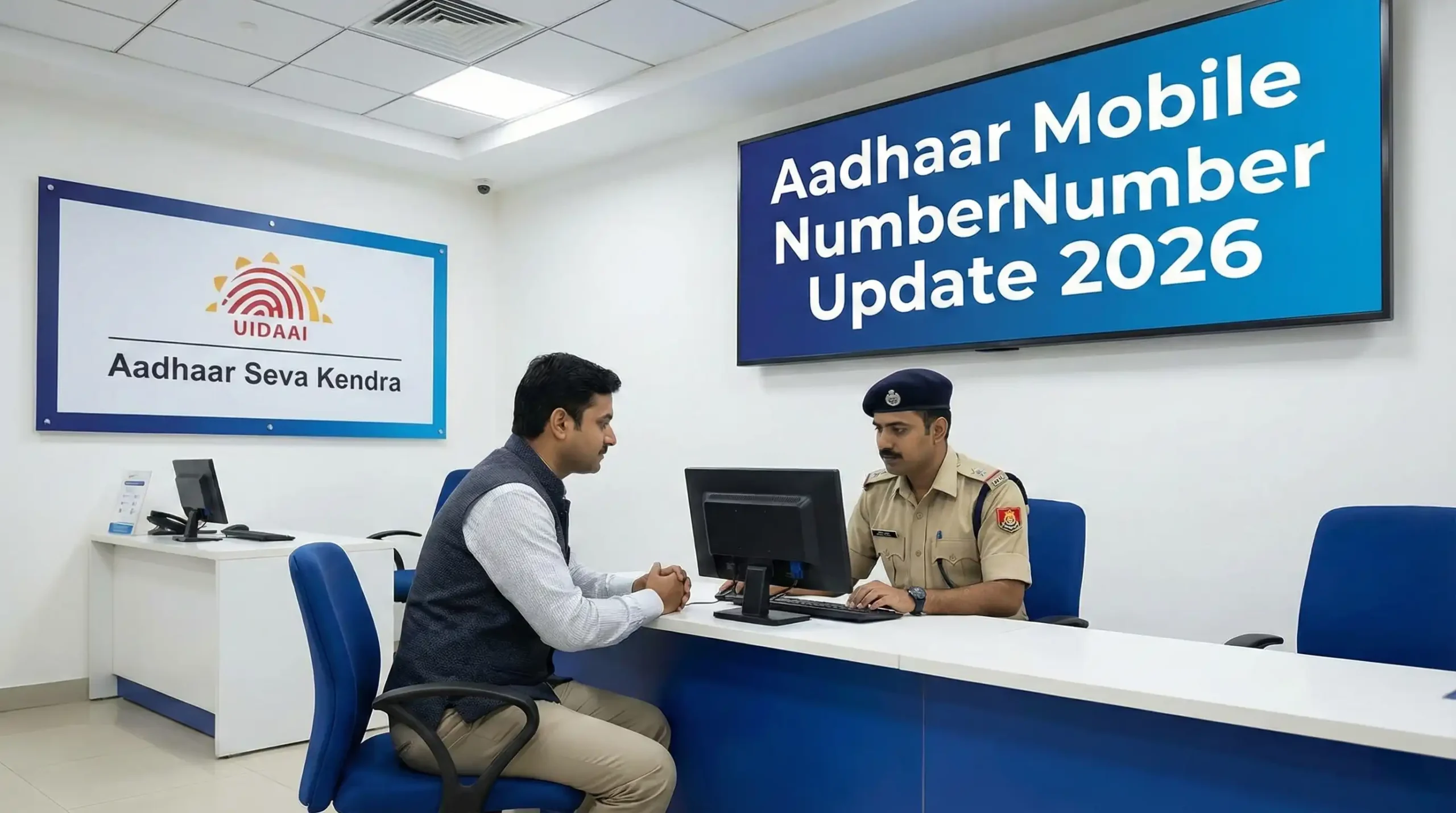
You must visit an authorized Aadhaar Seva Kendra or Permanent Enrollment Center for biometric authentication.
However, you can book an appointment online to save time.
Official appointment portal:
https://appointments.uidai.gov.in
Step-by-Step Aadhaar Mobile Number Update Process (2026)
Step 1: Locate the Nearest Aadhaar Seva Kendra
Visit the official UIDAI website and search for the nearest center. Choose a convenient location and book an appointment if available.
Step 2: Visit the Center with Aadhaar Card
Carry:
- Aadhaar card (physical copy or downloaded PDF)
- Your new active mobile number
No additional documents are usually required for mobile update.
Step 3: Fill the Aadhaar Update Form
At the center, request the Aadhaar Update/Correction form. Fill in:
- Aadhaar number
- Current details
- New mobile number
Double-check before submission.
Step 4: Biometric Authentication
The operator will verify your identity using fingerprint or iris scan.
This step is mandatory.
Step 5: Pay the Update Fee
As per UIDAI guidelines, the standard fee is:
₹50 (may vary slightly if revised by UIDAI)
You will receive an Update Request Number (URN). Keep the receipt safely.
Step 6: Track Your Update Status
Use the URN to track update status on UIDAI’s official portal.
Processing usually takes 3–10 working days.
Important Things to Know Before Updating
- Your new number must be active.
- OTP-based online services won’t work until update is completed.
- You cannot update someone else’s number without their biometric verification.
- Always use official UIDAI centers only.
To protect your documents before visiting any center, you can compress your scanned Aadhaar copy using our online image compressor tool to reduce file size without losing clarity. This helps when you need to upload documents digitally.
If you’re creating a digital profile or storing Aadhaar safely in cloud storage, our secure QR code generator can help you create access-controlled sharing links.
How Long Does It Take?
Most updates reflect within 3–5 working days. In some cases, it may take up to 10 days.
You’ll receive SMS confirmation once the update is successful.
If you don’t receive confirmation within 10 days, track status online or visit the center again.
Common Mistakes That Cause Delays
- Incorrect mobile number entry
- Biometric mismatch
- Providing inactive number
- Losing URN receipt
- Visiting unauthorized agents
Avoid middlemen. Always update directly at official centers.
FAQs: Aadhaar Mobile Number Update in 2026
1. Can I update Aadhaar mobile number without visiting the center?
No. Biometric verification is mandatory. You must visit an authorized center.
2. What documents are required?
Generally, no extra documents are required — only Aadhaar and biometric authentication.
3. How much is the Aadhaar mobile number update fee?
The standard fee is ₹50 as per UIDAI guidelines.
4. How can I check if my mobile number is linked?
You can verify mobile linkage on the official UIDAI website using your Aadhaar number.
5. Can I update mobile number if I lost my old number?
Yes. You don’t need the old number. Biometric authentication is sufficient.
Final Thoughts
Keeping your Aadhaar mobile number updated is not optional anymore — it’s essential. From banking to government services, OTP verification powers almost everything in 2026.
The process is simple: visit an authorized center, complete biometric verification, pay the fee, and track your status.
If you’re preparing documents digitally or managing identity-related files online, make sure they’re optimized and secure before sharing.
Stay updated, stay secure.